
Set the clock.
Make your move.
Put your phone between the players and tap the active half to hand over the turn. Large digital times and analog countdown dials keep the game easy to follow from either side.
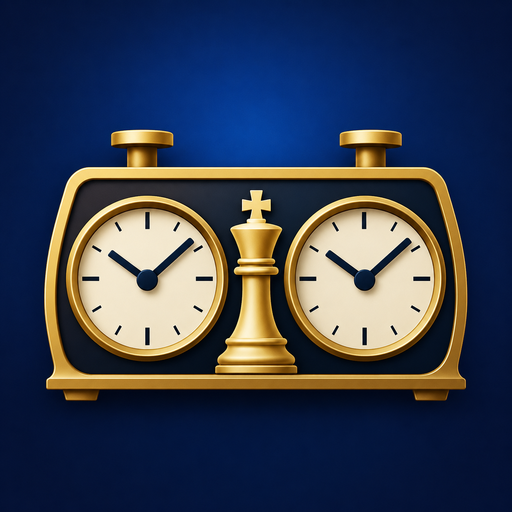
Your next game, ready in seconds
- Choose a preset such as 3+2, 5+0, or 10+0, or set your own time.
- Add Fischer increment and save favorite setups for next time.
- Follow each player’s remaining time and move count.
- Pause, resume, or restart from the play surface.
- Hear turn handoff and flag-fall sounds.
The core clock works offline, with no account or login. Basic timing and Fischer increment are free.
More control with Pro
Pro is an optional one-time purchase, with no subscription. It adds:
- Simple delay and Bronstein delay.
- Different time controls for White and Black.
- Multi-stage tournament controls.
Give a newer player extra time or practice a tournament schedule. If you’ve already bought Pro, use Restore Purchases with the same store account.
Keep your attention on the board
An active game pauses when the app loses focus. The app’s interruption protection guide explains device settings that can reduce distractions during play. Check your setup before a timed match.
A Darrilla welcome
The Darrilla Software mascot greets you when you open the app. Tap to skip the intro and head straight to the clock. Meet the mascot.
Try the next Android update
Join the Google Play closed test using the Google account invited to Chess Clock testing, then follow Google’s install/update link. The public app links above remain separate from this beta. See testing access and feedback if your account is not eligible. Test timing, sound and interruption handling before using a test build for a match.
Help with your clock
Support and common questions · Privacy policy · Email Darrilla